GPU Particle System
Project Specifics
Context: TGA Specialisering
Time: 8 Weeks (half-time)
Team size: Just me 😀
Engine: Custom DX11 engine
Background
Working on Spite: Equilibrium got me thinking a lot about particles systems. Thinking of ways to optimize them and new cool features to add but I always felt limited in scope.
I’d heard about compute shaders in passing and knew that a particle system was the perfect excuse to implement them. I didn’t know much about compute shaders at the time but I found the concept of running logic code on the GPU really intriguing.
Showcase
Setup
Baby Steps
The first step was to add support for compute shader to our custom engine, luckily most of the compute shader syntax is very similar to the other shader stages. My first goal was to upload my particles to the GPU in a structured buffer, move each particle up by 1000 units using this simple compute shader, and then check in the program if it worked.
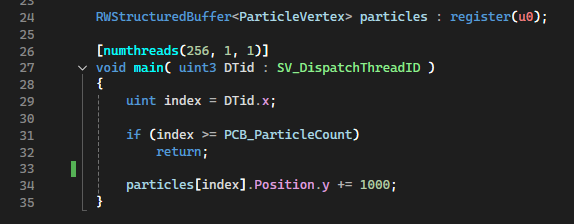
I quickly realized however that actually getting the data from the structured buffer on the compute shader and into a vertex buffer was not very straight forward or particularly efficient. After a bit of searching I learned about SV_VertexID and the possibility to bind a structured buffer as a resource view instead of a vertex buffer.
After a bit of debugging, getting it up and running went relatively smooth. Before long I had a working compute shader, the issue now is moving everything to the shader from the CPU and eventually eliminate the need to ever update the structured buffer from the CPU side. Essentially storing all particle data on the GPU.
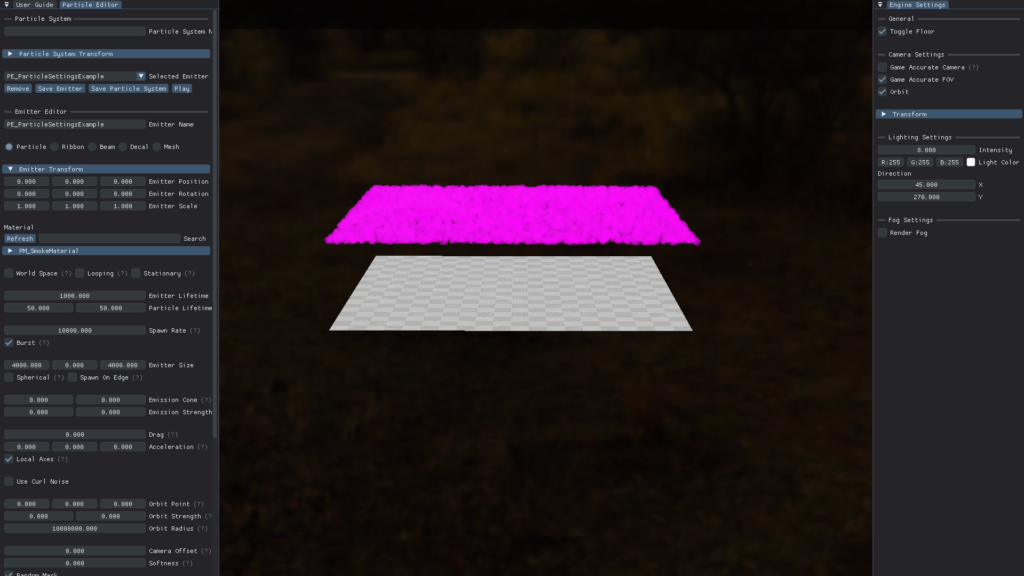
Moving to the GPU
This part was very straight forward for the most part as most of the work was just translating C++ code to HLSL, but there were some design choices I had to make.
I use curves for a lot of the values and uploading the keys for said curves to the GPU could be done in a couple ways. I opted for creating a structured buffer for each curve that holds all the values of the curve.
The rest of the particle settings I simply uploaded as one big constantbuffer.
Adding Curl Noise
I’d already added curl noise to my old CPU particle system so naturally I’d want it in this new system too.
I decided to use an implementation by rajabala as the base and heavily edited it by replacing the noise parameters with a simple noise strength and noise scale modifier for ease of use, and then also of course rewrote it for HLSL.
In the end I’m really happy with the effect.
Particle Trails
Attaching to the Particles
After moving the ribbons to the GPU, The next step is to attach them to the particles. At this point, the system worked by having each individual ribbon be its own emitter.
This is not sustainable as with, let’s say, a particle emitter with 1000 particles i’d need 1000 ribbon emitters. That’s 1000 dispatch and draw calls for just one particle emitter. That is not particularly efficient at all, What I needed to do is allow a single ribbon emitter to handle every individual particles trail.
In order to do this, I had to multiply the amount of ribbon segments on one ribbon emitter by the amount of particles it needs to attach to, as it needs one whole ribbon per particle.
Then within the compute shader, to get the ribbon index from the segment index I take:
segmentIndex / numSegmentsPerParticle .
This is the index that corresponds to which ribbon the segment is a part of.
Then to get the segments index within the ribbon I do:
segmentIndex % numSegmentsPerParticle.
Geometry Shader
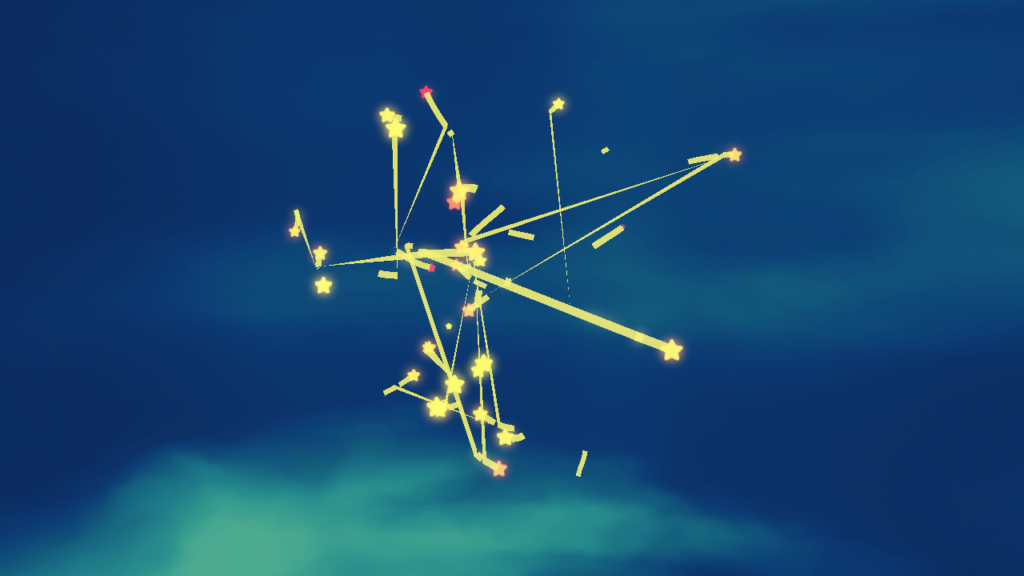
If we run the program now, you can see that it doesn’t look quite right, everything connects with everything. Now we need to add some conditions for the geometry shader.
Since I’m using line strip topology I only have access to two ribbon segments at a time in the geometry shader, luckily that’s all you need. Currently all I’m doing is checking if the first input has lived longer than the second input, and if so, I output the ribbon faces.
Every time a segment exceedes its lifetime it respawns at the front of the ribbon, so the check I mention above fixes the issue of the segment at the back of the ribbon connects with the segment at the front. This is similar to the issue we’re now facing here except I now need to check if the segments have the same parent particle.

Adding this now helps a bit, but there are still some issues. The ribbon doesn’t know when its parent particle has respawned somewhere else and therefore draws a massive line to the new spawnpoint.
To fix this, I save the lifetime of the parent particle to the ribbon segment every time the segment is reused. Adding a check for if the first input has a parent lifetime higher than the second input.

With this we’re finally getting somewhere. In the end our conditions look like this.
- Early out if we’re trying to connect back to front.
- Early out if we’re trying to connect segments from two different parents.
- Early out if we’re trying to connect segments from different particle lifecycles.
Connection Padding
Now we’re almost there, but as you’ve probably noticed, there are some gaps in the ribbons, this is because we’re not padding the connection.
All of the segments are in a big list, so the geometry shader wants to connect everything in the order of said list. Every ribbon effectively has its own section of the list, the issue is that the back of most ribbons connects with the front of another ribbon.
This is something we handle with condition #2 above, but it also is the reason we get gaps in our ribbons. We want our ribbons to connect in a closed loop, so that every segment in the ribbon connects with each other, and manually later in the geometry shader discard the connections we don’t want.
My solution to this is to add an extra segment at the last element, and set it to be a copy of the first element, effectively hiding the gap by having the gap be between the first element and its copy at the back.
Perfect! With the gap gone the trails are now done!
Depth Collisions
Colliding with Depth Buffer
Now that I’m on the GPU and can easily sample textures, I wanted to add collisions with a depth buffer to allow the particles to interact with the world.
In my mind this would be pretty straight forward as all I’d need to do was sample the depth buffer and compare depth. My thought was to check the particles previous depth and its new depth, and if the depth of the buffer was between those depths, a collision had occured.
This worked well when the camera stayed stationary, but during camera movement, particles could still seep through.
Colliding with GBuffer
While unsure why the depth buffer failed, I figured using the GBuffer instead of a depth buffer could be more stable.
I sampled the GBuffer for the surface position at the screenspace coordinates of the particle, then calculate a vector pointing towards the surface by subtracting the particle position from the surface position. I do this twice, once for the particles previous position, and one for the particles position after adding velocity.
Using the dot product for both vectors and the surface normal, also sampled from the GBuffer, I declare that a crossing has happened if the first dot product is less than or equal to 0 and the scond dot product is greater than 0, meaning the particle has passed through the surface from the side of its normal.
While ever so slightly more stable than the depth buffer, camera movement would still let some particles through.
The Solution
At this point I was a bit confused, as in theory I figured both my previous solutions should have worked. So I took help from the internet and found a similar implementation by GPUOpen Libraries.
Looking at their implementation they also used a depth buffer, same as my first attempt, but they also had a value for the collision depth. They then check if the particle is deeper than the depth buffer but not by more than the collision depth, essentially creating a collision volume.
While Implementing this to my system did solve my issue, I am still not completely satisfied as this doesn’t actually check for if the particle has crossed a surface, just if it happens to be behind the surface by an arbitrary amount.
Why Did The Other Attempts Fail?
I cannot be completely certain why they didn’t work, I’ve spent a lot of time trying to wrap my head around reasons it wouldn’t work but haven’t been able to find anything conclusive. But to some extent, screenspace effects like these are inherently janky, and I’m sure there’s something here I’m not thinking about.
I’d be really interested to know if anyone reading this has an answer, I’m curious.
Conclusion & Metrics
Performance
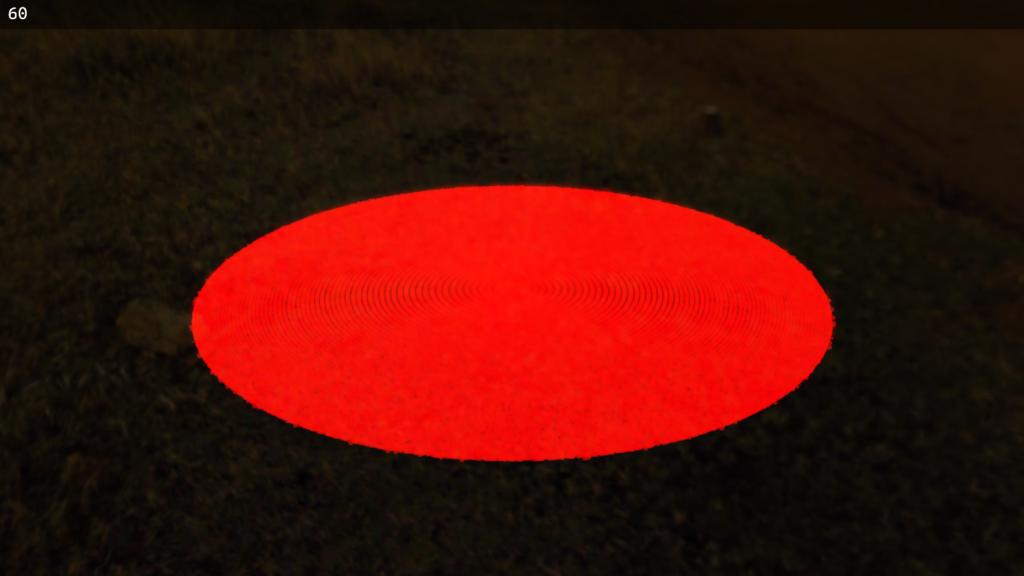
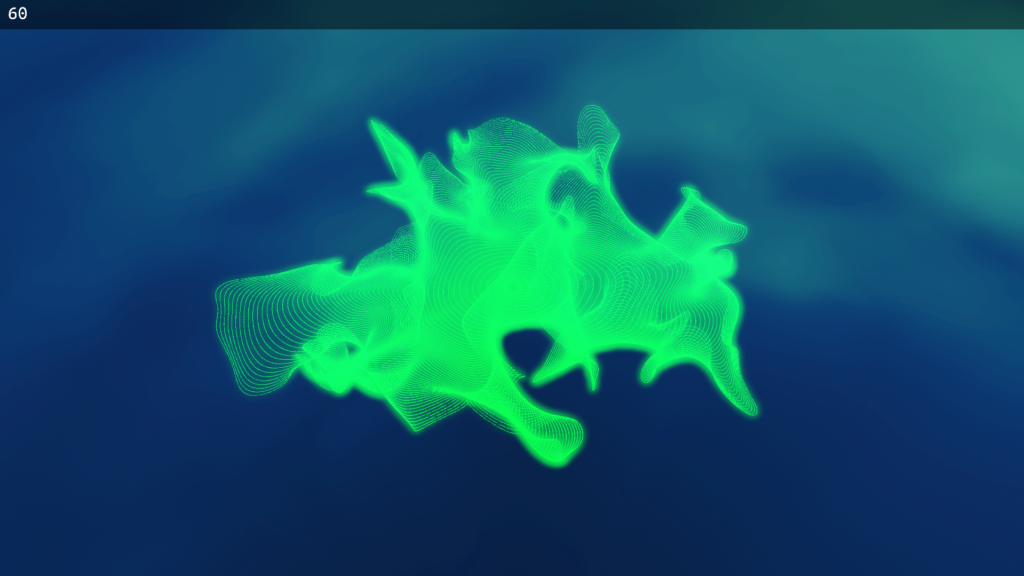
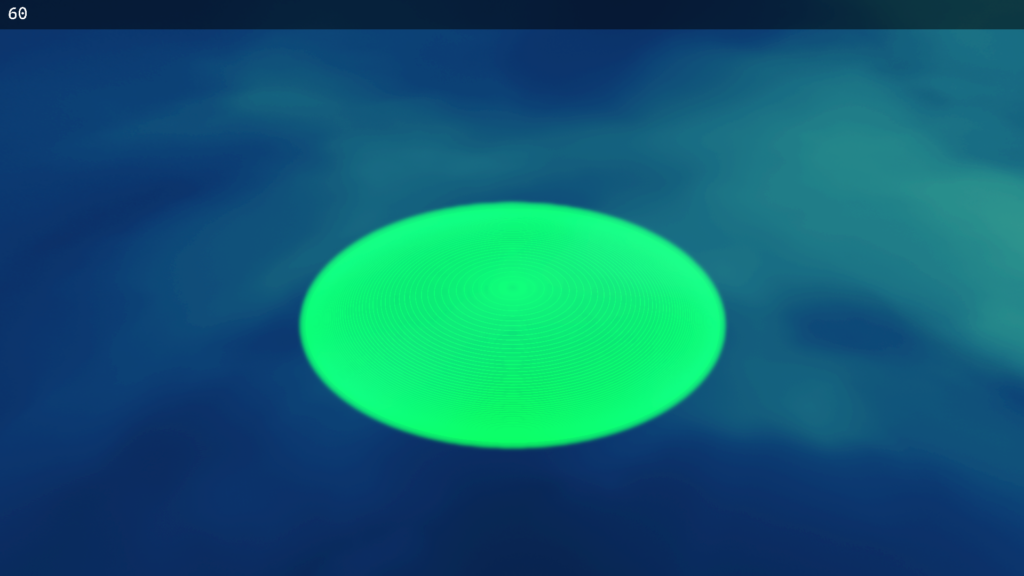
With a GPU particle system you get a lot more performance, but just how much better? I took some benchmarks of my CPU system versus my GPU system at 60 FPS, this is how it turned out.
Metrics were taken using an RTX 4060 GPU with the DirectX 11 debug layer turned on.
CPU
31 000 Particles (With Curl Noise)
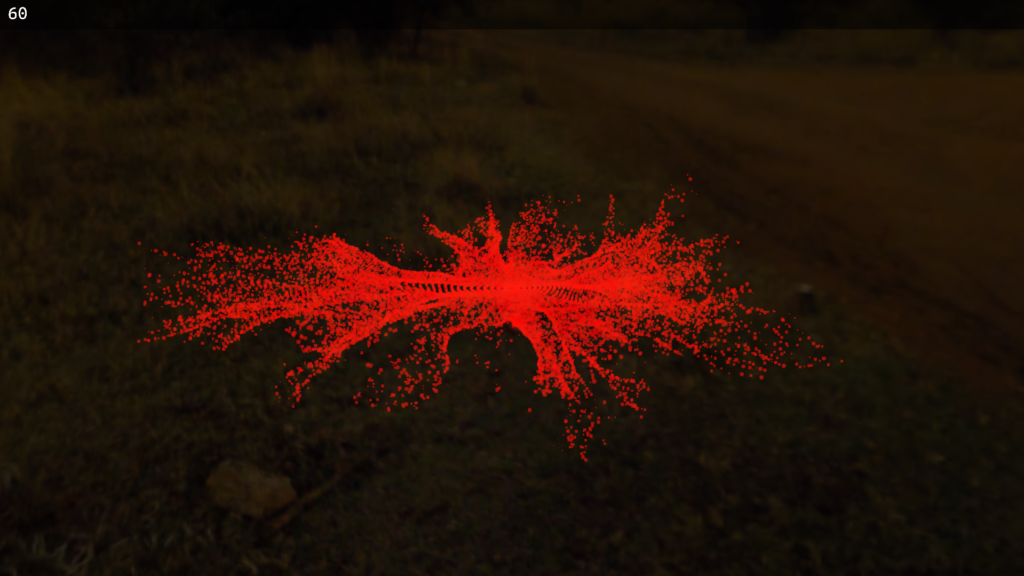
310 000 Particles (Without Curl Noise)
GPU
4 400 000 Particles (With Curl Noise)
5 500 000 Particles (Without Curl Noise)
Final Thoughts
Overall I’m really happy with how the project went, I managed to add all the features I planned for. Something I will without a doubt add in the future but sadly didn’t have time for during the duration of this project is particle sorting, allowing non-additive blend mode particles to render in correct order.
I also had time to implement this particle system into our project, Catstronaut. This was something I really wanted to do from the start, because in my experience, working on something that people will actually use is way more fun and fullfilling.
I am part of The Game Assembly’s internship program. As per the agreement between the Games Industry and The Game Assembly, neither student nor company may be in contact with one another regarding internships before April 15th. Any internship offers can be made on April 27th, at the earliest.